Try a managed agent live from the dashboard before you connect a channel: talk to it in the browser or have it call your phone.
The Test agent panel runs your agent live from the dashboard, so you can try
it the moment you finish building it, before you connect a phone number or embed
it in a page. Talk to it in your browser, or have it call your phone.
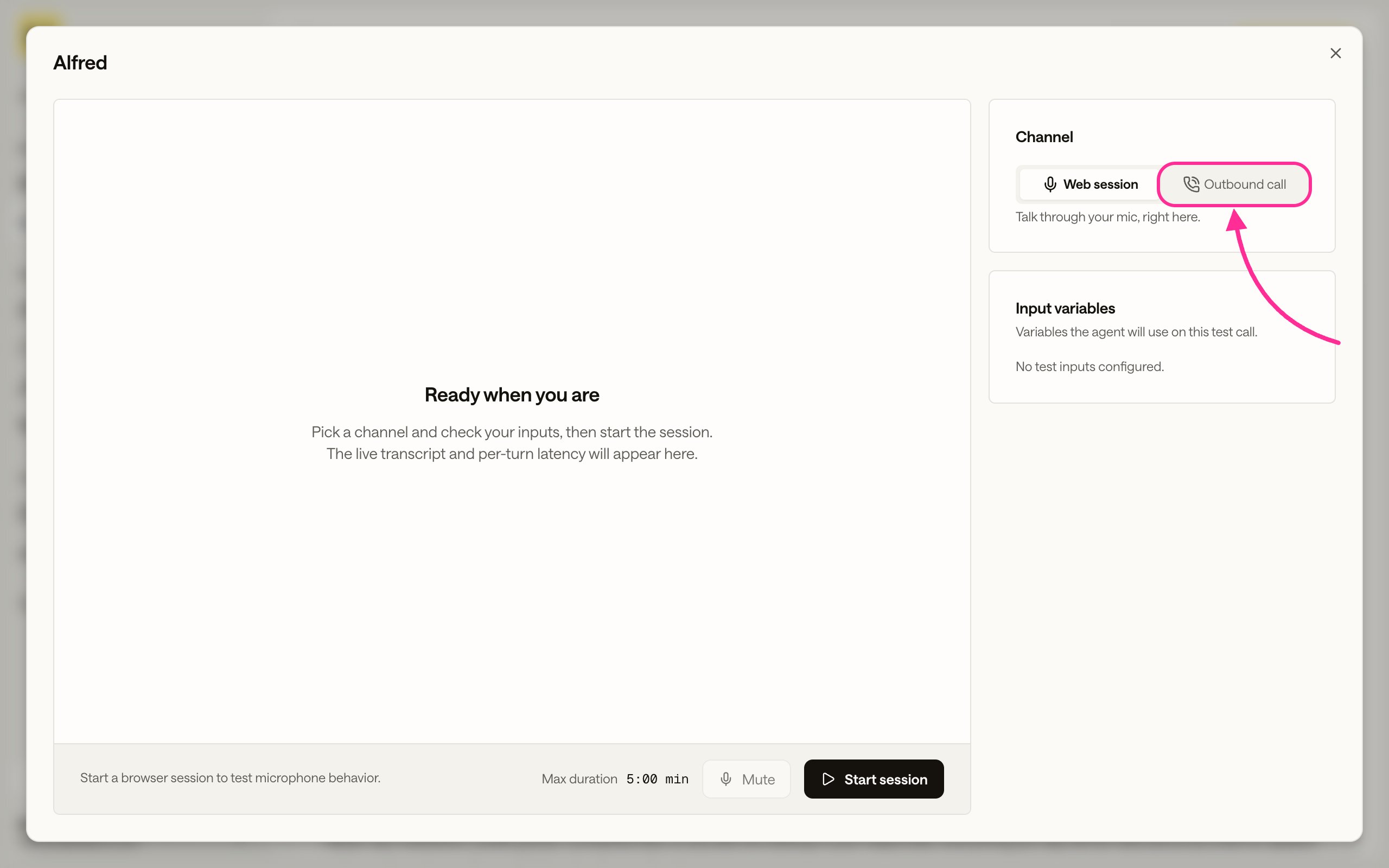
Open the project and click Test agent. The panel opens on the Web session
channel, with a Channel selector to switch between talking in the browser and
placing a call.
The Test agent panel. Use the Channel selector to switch between Web session and Outbound call.
On the Web session channel, allow microphone access when the browser asks,
then talk to the agent and read the live transcript as it responds. This is the
same browser voice session you ship with
Embed in website, so it is the
quickest way to hear how the agent sounds before you add it to a page.
Switch the Channel to Outbound call to have the agent dial a number while
you listen.
1
Switch to Outbound call
Set the Channel to Outbound call. A Number to call field appears.
If the panel says telephony setup is needed, the agent has no outbound
connection attached. See
Place calls from an agent.
The Outbound call channel, with a field for the number to call.
2
Enter the number and start the call
Enter the destination under Number to call in E.164 format and click
Start call. The agent dials while you watch the transcript.
A number entered and ready. Start call places the outbound call.
For repeated or automated calls, dispatch them from the API instead. See
Dispatch outbound calls.